03Junipa support course
Delete adjustments
Use delete carefully. If the adjustment happened, the record usually needs an edit or a follow-up note instead.
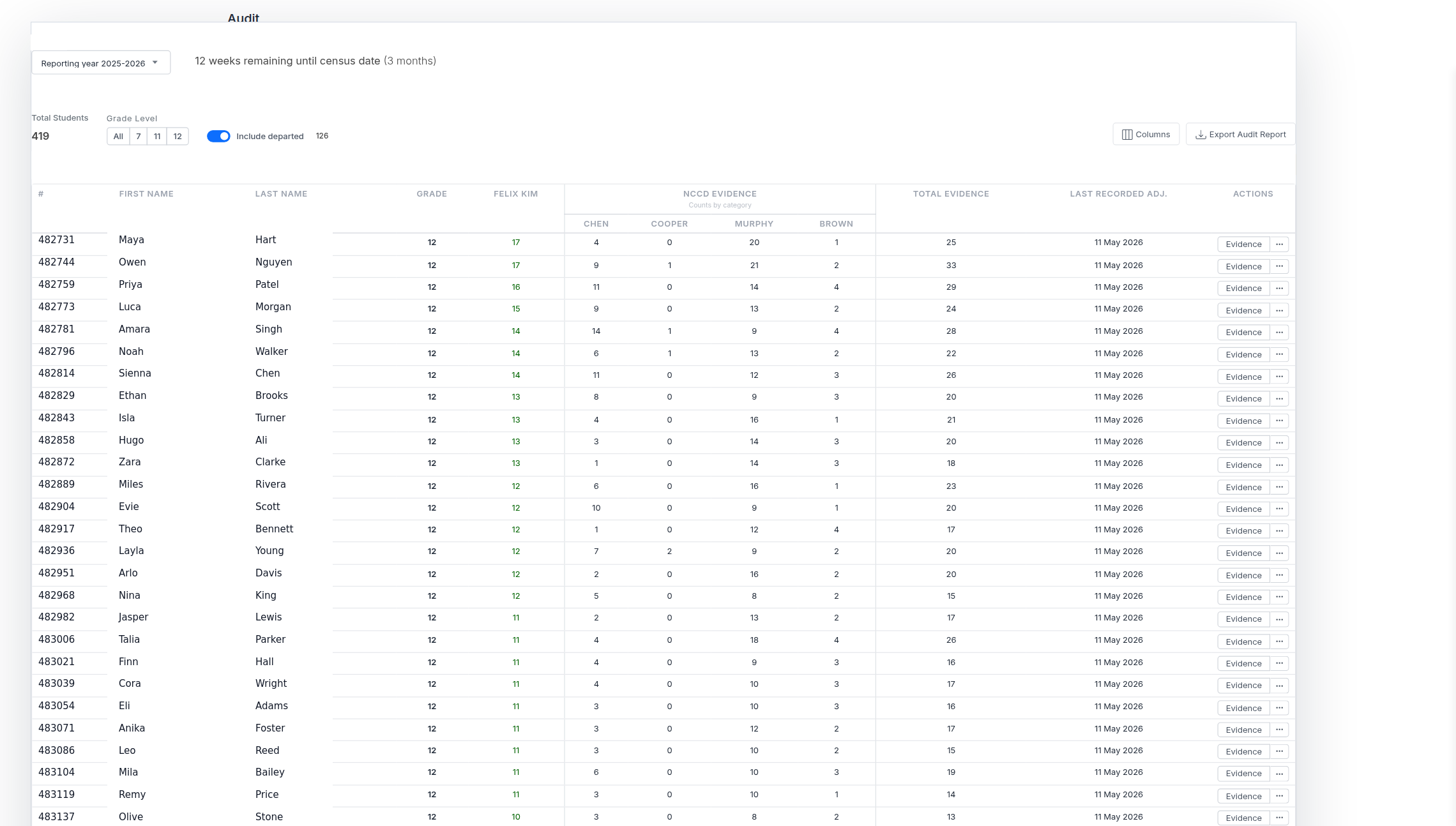
Do this
- Open the student record and find the adjustment.
- Confirm it was entered in error, duplicated, or added to the wrong student.
- Open the action menu and choose Delete.
- Read the confirmation message before continuing.
- Check the student record or report again after deletion.
Before you move on
- The adjustment should not remain anywhere on this student record.
- No attachment, note or plan still depends on the deleted adjustment.
- If the adjustment happened, you edited it or added a follow-up instead of deleting it.