02Junipa support course
Edit adjustments
Use this when an adjustment is real, but the recorded detail needs to be clearer or more accurate.
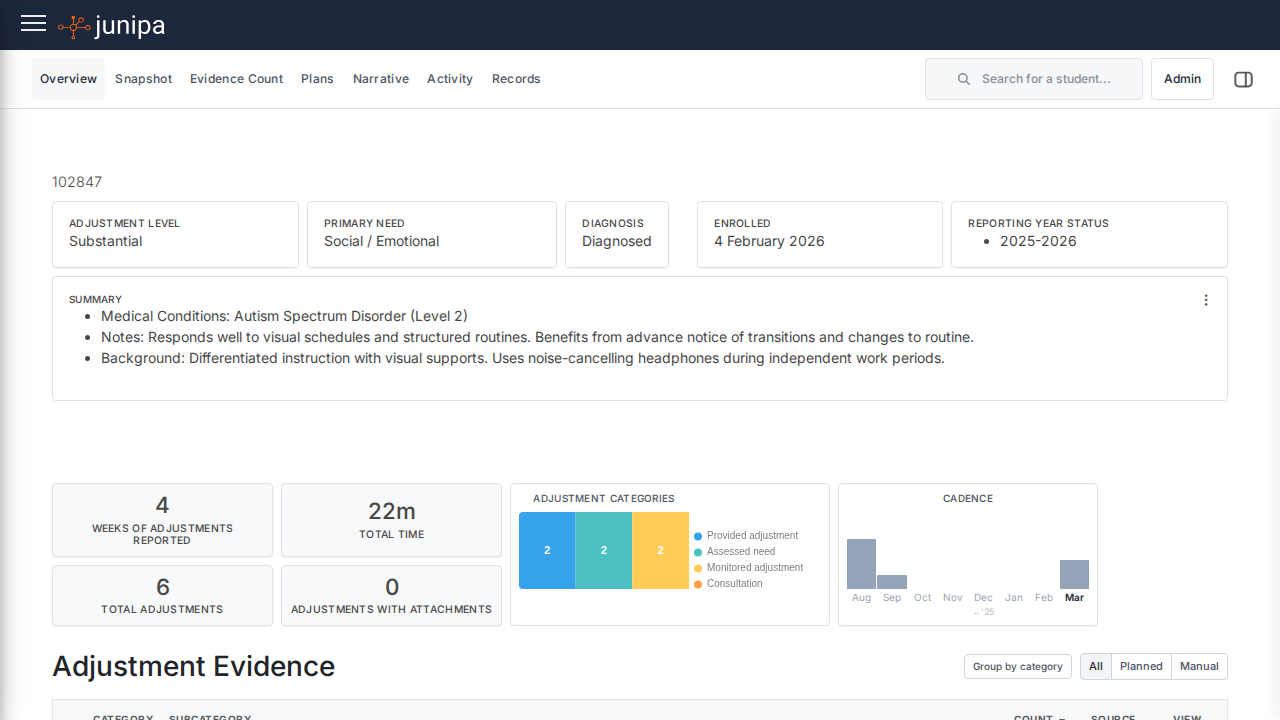
Do this
- Open the student record.
- Find the adjustment in the student journal, plan or adjustment area.
- Open the action menu and choose Edit.
- Update the smallest detail needed: wording, date, category, level, location or linked support.
- Save, then read the adjustment again as if another teacher will use it tomorrow.
Before you move on
- The updated adjustment still describes what happened or what staff should do.
- You did not remove useful context from the original record.
- If the support changed, the record now makes that change clear.