01Junipa support course
Open your dashboard
Start here when you need to see the students, classes and follow-ups that belong to your work today.
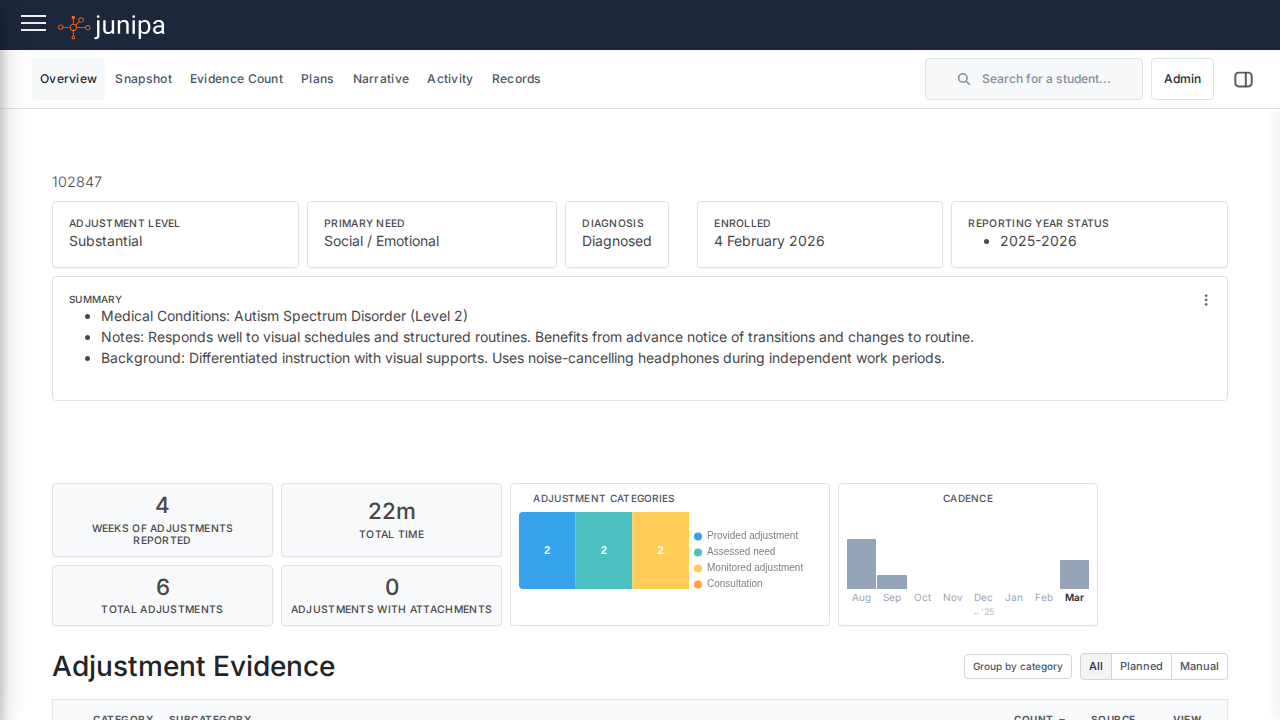
Do this
- Sign in with your school account. Junipa opens on Roster, your dashboard.
- Switch between the Curriculum and Groups tabs to see your classes and year groups.
- Use the student search at the top of the page to jump straight to one student.
- Open the student who needs evidence, a plan, a note or a report check.
Before you move on
- You can see the groups, classes and students you expect to work with.
- The student record opens without asking for a different permission.
- You know the next action: evidence, plan, report or follow-up.