04Junipa support course
Review activity
Use this when you need to see which students have recent activity, missing evidence or records that need attention.
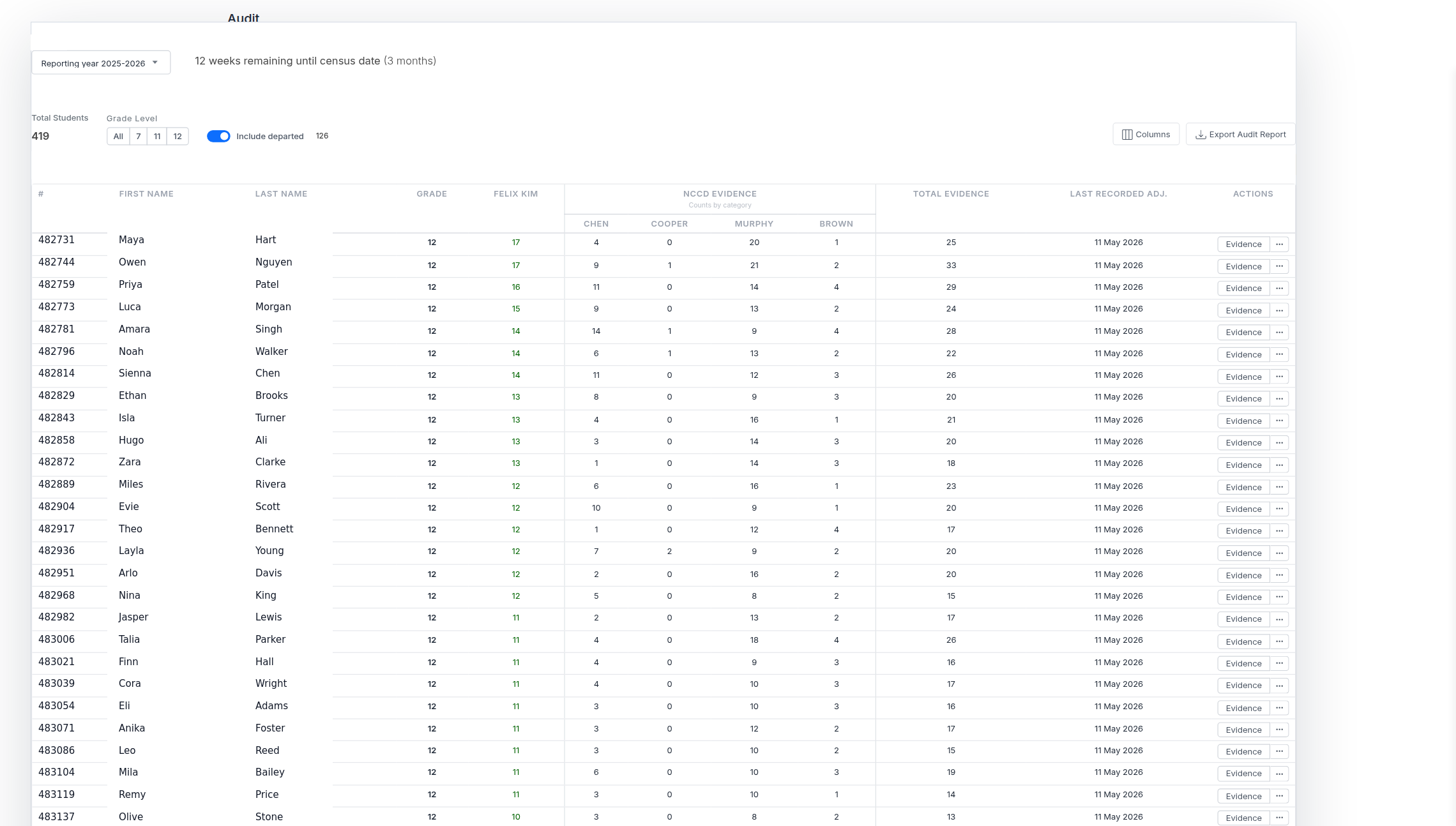
Do this
- Open Audit under Reports in the main navigation.
- Choose the reporting year and grade levels you are reviewing.
- Scan the weeks collected and NCCD evidence columns for students with thin coverage.
- Open the student record to check evidence and plans.
- Assign the next action to the right staff member.
Before you move on
- Students with low or missing evidence have been reviewed.
- Follow-up actions are attached to the student record.
- The review did not rely on memory or separate spreadsheets.