03Junipa support course
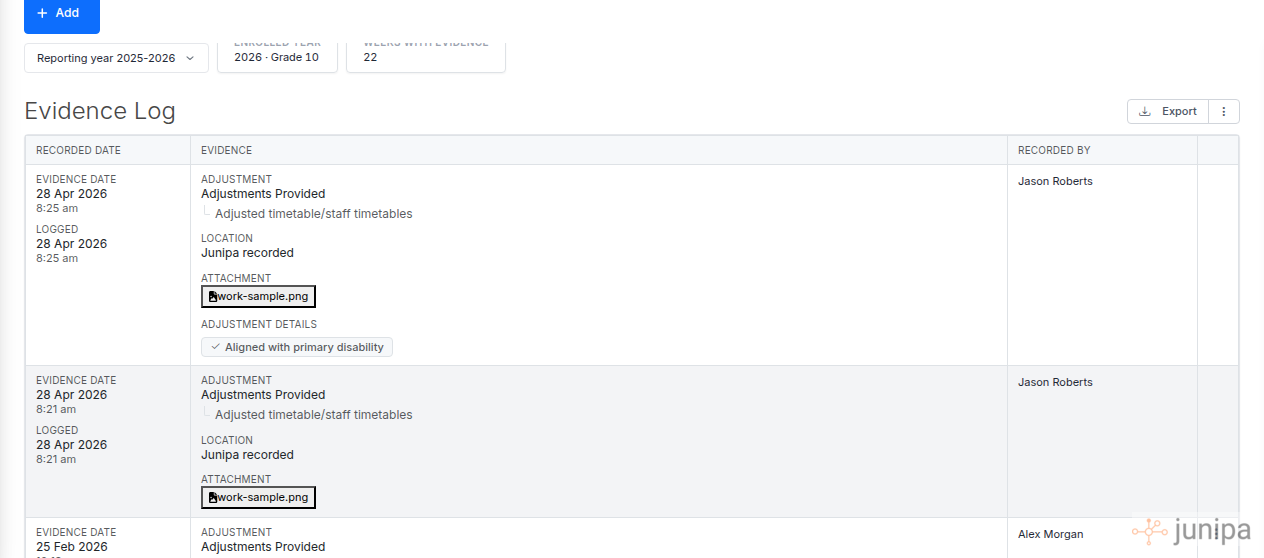
Attach a file
Use this when the evidence is stronger with a document, photo, task sample, meeting note or plan attachment.
Do this
- Open the student record or evidence entry.
- Choose Add, then Document, or attach the file while you record the evidence.
- Select the file from your device or school storage.
- Give the file a clear name if the original name is vague.
- Save and check that the file shows against the evidence entry.
Before you move on
- The attachment belongs to the right student.
- The file does not expose another student.
- The filename is clear enough for review or audit work.