09Professional learning course
Check mentions
Use this when someone has tagged you in a case note, follow-up or student conversation.
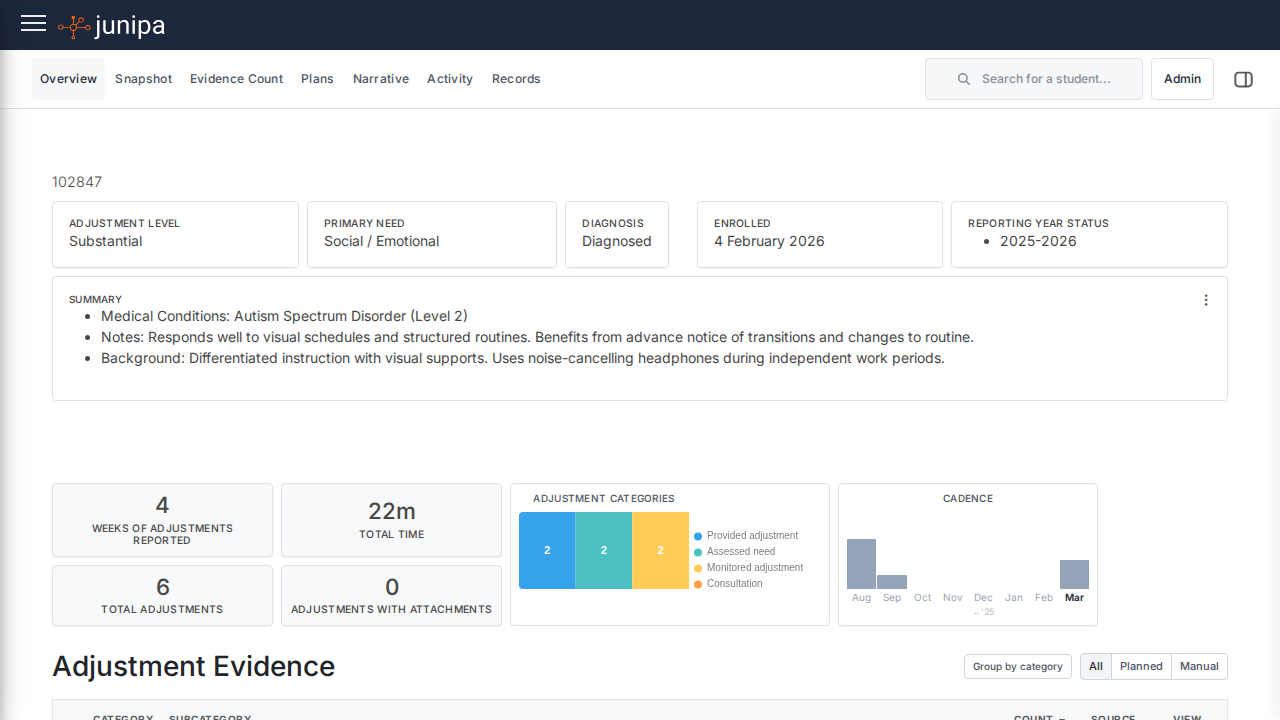
Do this
- Open My Junipa or the mentions area.
- Read the newest mention first.
- Open the student context before replying or acting.
- Complete the follow-up or add a note.
- Clear the item only when the action is finished.
Before you move on
- You opened the student context before acting.
- The next action is recorded where the team can see it.
- No important follow-up is left sitting only in a notification.