12Professional learning course
Find NCCD gaps
Use this when the school needs a clear list of records that need evidence, attachments, plan detail or a reporting decision.
Do this
- Scan the Audit Report for thin records.
- Check the Evidence Log for missing files and unclear owners.
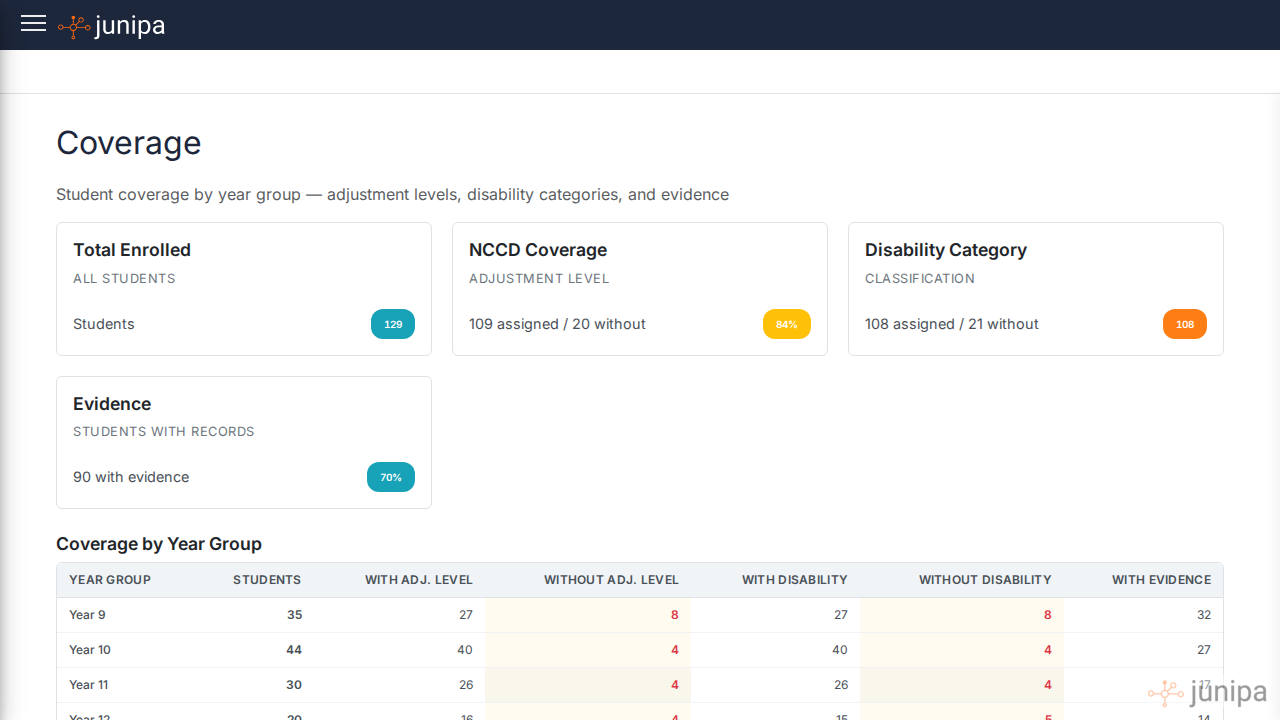
- Review Plan Coverage for missing levels, categories or plan detail.
- Open Adjustments with Attachments for missing supporting files.
- Review Student Activity for active students not included.
- Assign the next action in plain teacher language.
Before you move on
- Every visible gap has a named follow-up action.
- Students with activity but no included reporting decision have been reviewed.
- The School Hubs report is ready for submission review.