07Professional learning course
Present a plan
Use this when a plan needs to be shared in a meeting, parent conversation, staff review or support discussion.
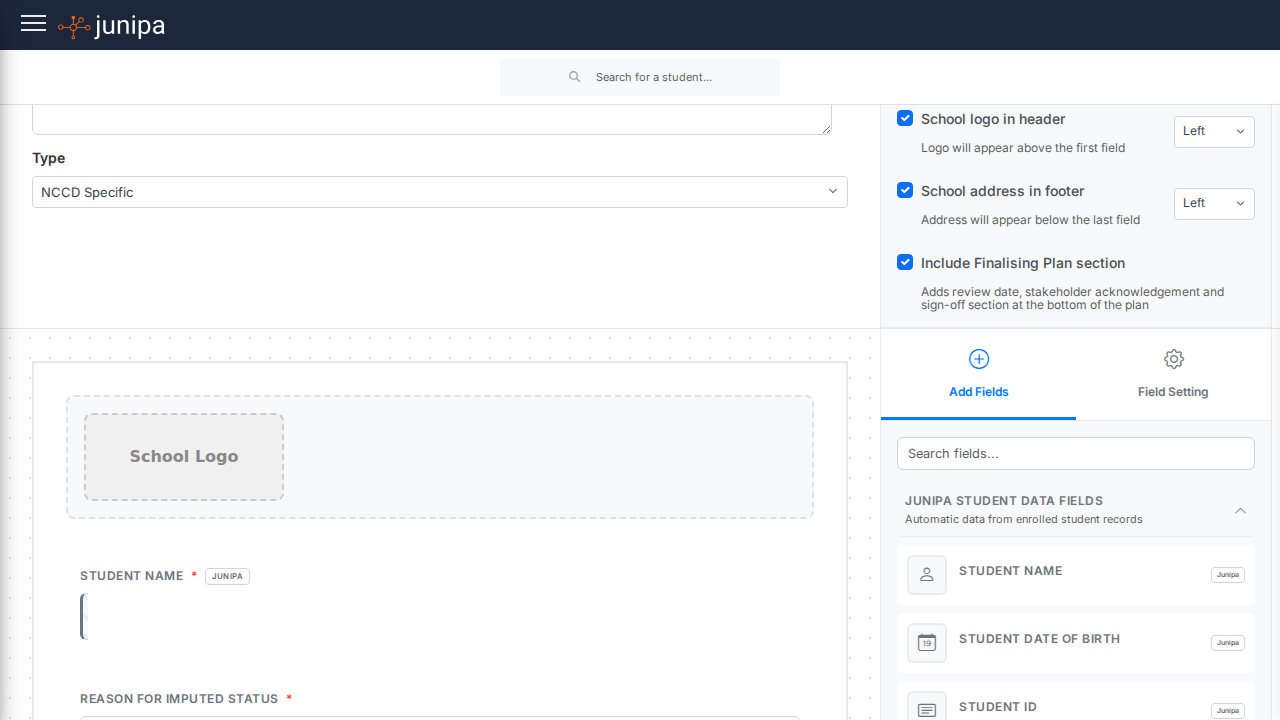
Do this
- Open the student plan before the meeting.
- Check that goals, adjustments and evidence are current.
- Use the plan view to guide the conversation.
- Record agreed changes or follow-up actions.
- Save the updated plan or note before closing the record.
Before you move on
- The plan reflects the current student need.
- Meeting actions are recorded against the student.
- Anyone following up can see what changed and why.